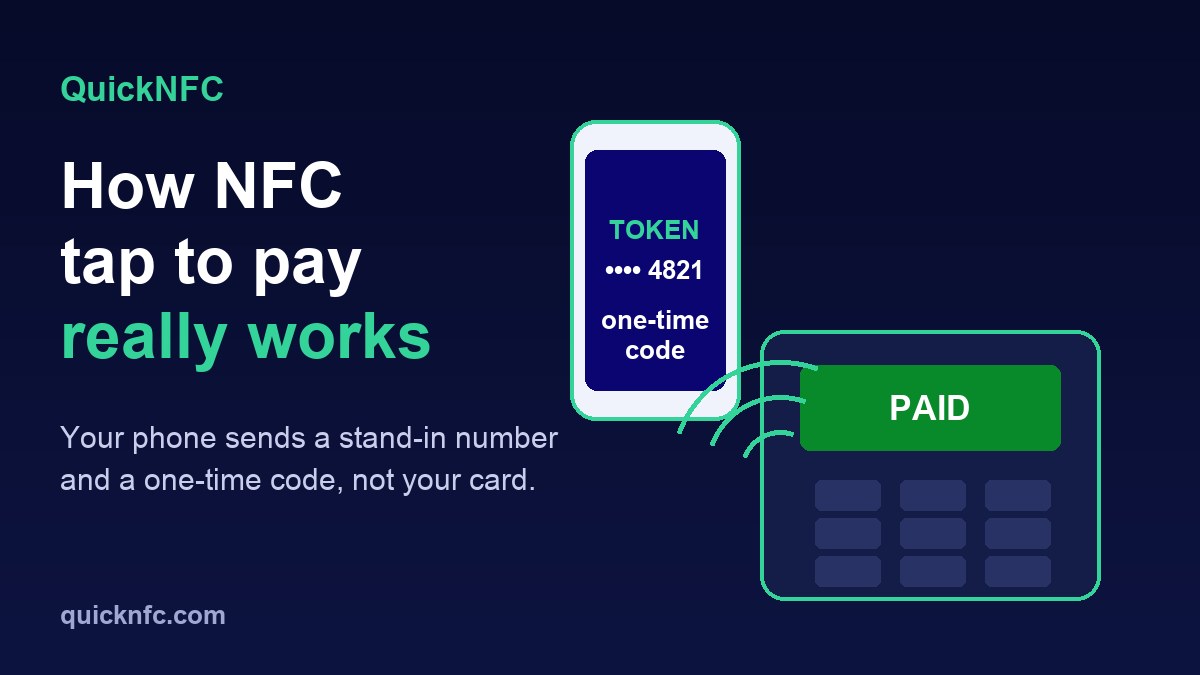
Short answer: when you tap your phone to pay, it does not send your card number. A secure chip in the phone sends a stand-in number plus a one-time code made for that single payment, and only after you wake the phone or approve with Face ID, Touch ID or your passcode. The NFC radio is just the short-range link that carries it to the terminal. That is why a tap is hard to copy and reuse, and why it is not the same thing as tapping a plain NFC tag.
The topic is in the news this week: Engadget reported on 2 November 2026 that Google's new Fitbit Edge has no NFC chip, so it cannot do tap to pay at all, and that Google said fewer than one percent of Fitbit Charge 6 owners used NFC. Most of us tap daily without knowing what happens in that second. Here is the plain version.
What happens when you tap, step by step
- The terminal makes a small radio field. Like any NFC reader, it powers up a short-range field. Your phone notices the field the moment it comes close. (Basics in what NFC is and how it works.)
- Your phone offers your default card. Apple says an iPhone that detects an NFC field presents your default card. On Android, Google Wallet must be the default NFC payment app and uses your default selected card.
- You approve. On iPhone you authenticate with Face ID, Touch ID or your passcode, except when you use Express Mode for a card you set up that way, such as a transit card. On Android you can tap while the phone is unlocked, even with the Wallet app closed, and Google Wallet asks for your screen lock if it is needed.
- The secure chip answers. It sends the terminal a device-specific number and a code that is only valid for this transaction, plus the other data needed to finish the payment.
- The bank checks the code. Before approving, your bank, card issuer or payment network can check that the code is unique and tied to your device. Then the terminal shows its tick or beep.
The number the shop sees is not your card number
This is the part that surprises people. Apple's security overview says that when you add a card to Apple Pay, your bank or its service provider creates a Device Account Number for that device. It is stored in the Secure Element, a certified chip that is isolated from the phone's operating system, is never stored on Apple's servers and is never backed up to iCloud. Apple also says that neither Apple nor your device sends your actual card number to the store.
Two details from the same page explain the safety benefit:
- The code that travels with each payment is unique to that transaction, so a bank can tell a genuine tap from a replayed one.
- Unlike a normal card number, the issuer can stop a Device Account Number being used on a magnetic stripe card, over the phone or on websites. A thief who learned it could not use it in those places.
On Android, Google Wallet handles the payment side. We rely on Google's own help pages for what you need to do, rather than guess at the internals: NFC switched on, Google Wallet set as the default payment app, a screen lock and a payment method from a supported country.
Why "someone could skim my phone" mostly does not work
Three things stand in the way, and none depends on a lucky guess:
- Distance. NFC is designed to work across short distances only. Apple's wording is exactly that. In practice the phone has to be at the reader, not across a room.
- Authentication. A phone that is locked will not release payment details. Without Express Mode, an iPhone wants Face ID, Touch ID or the passcode first. A bag or pocket does not give an attacker an approved payment.
- One-time codes. Even if someone captured a transaction, the code inside it belongs to that one payment and your device.
None of this means fraud is impossible: lost phones, stolen cards, phishing and fake payment links still exist, and rules differ by country and bank. It does mean the radio part of tap to pay is rarely the weak link.
Tap to pay with a card vs a phone
A contactless card has no battery. It is a chip with an antenna that wakes up in the terminal's field, much like a tag does. A phone has a battery, a screen and a way to confirm that it is really you, which is why phone payments add an approval step that a card tap often does not (card taps below a limit set by your country and bank typically need no PIN, and those limits vary, so check with your bank).
Why an NFC tag cannot pay for anything
A common mix-up: an NFC sticker or card you buy and write is a plain data tag. It can hold a link or a few bytes of text, and nothing more. It has no secure payment chip, no bank relationship and no way to create transaction codes. That is why you cannot load money onto a tag, and why a tag you write will never work at a checkout. If you are curious about reusing an old card for tag purposes, read our guide on using an old credit card as an NFC tag, and for how tags differ in memory see NTAG213 vs NTAG215 vs NTAG216.
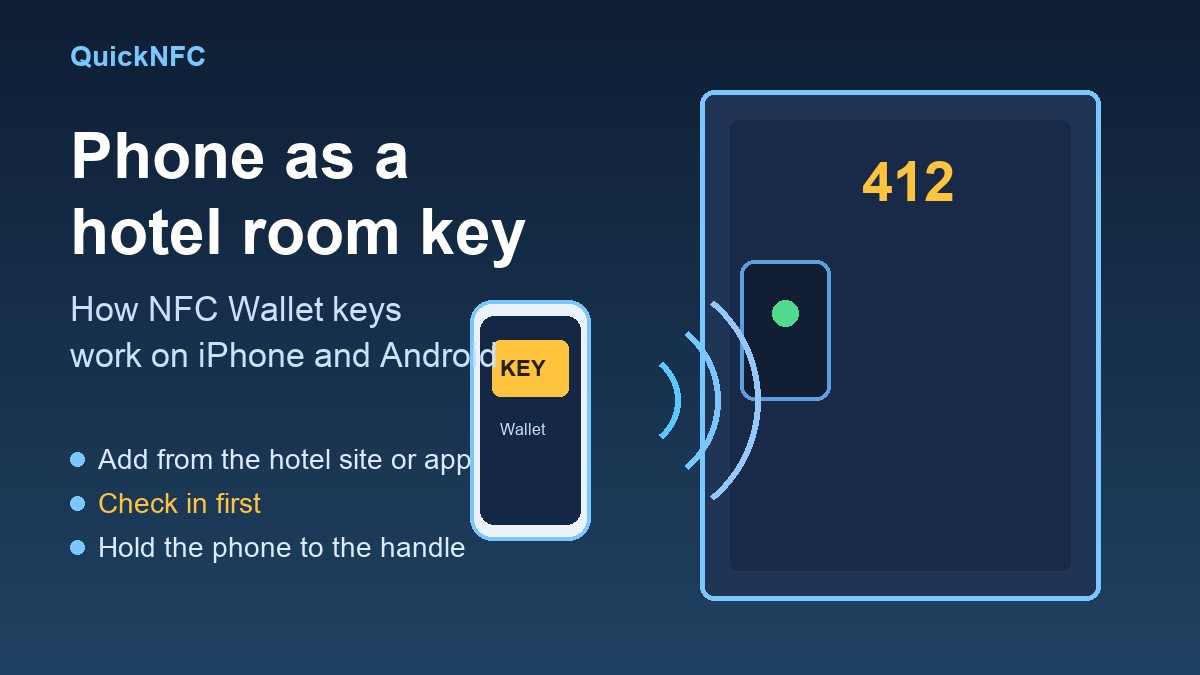
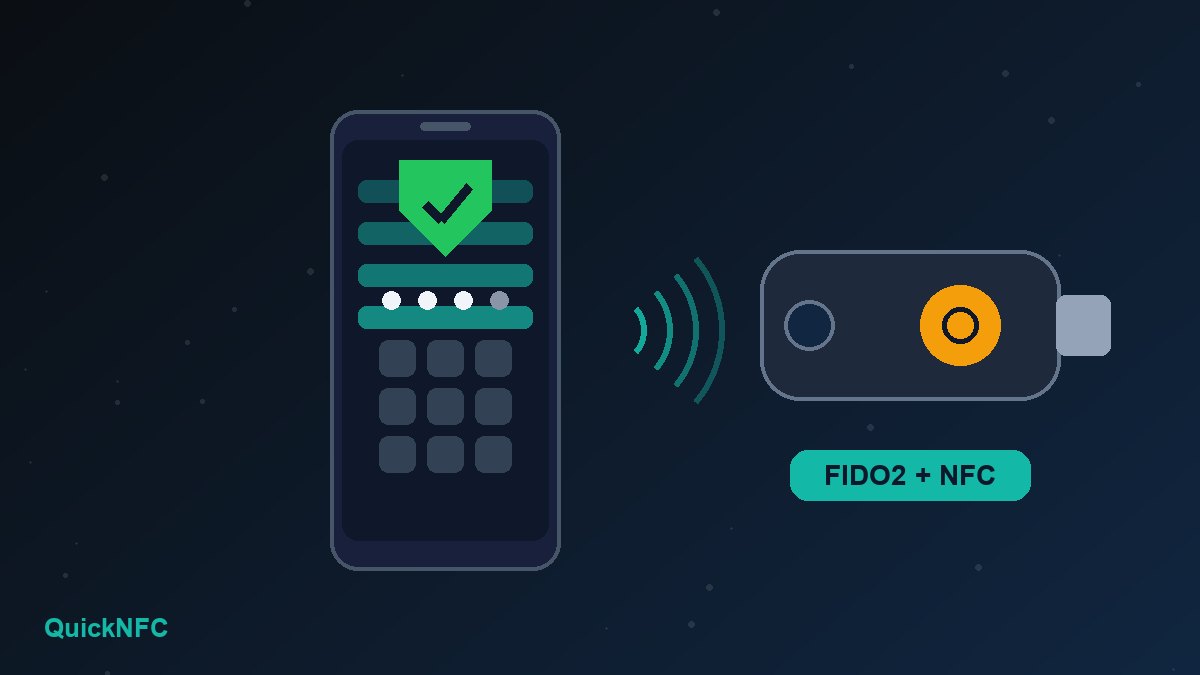
The same short-range radio also runs other things in your wallet, for example hotel room keys in Apple Wallet and Google Wallet and security keys on Android. They are separate apps on top of the same radio.
When the tap does not work: a short checklist
- Is NFC on? Google lists this as the first requirement for contactless payments on Android: check your phone's Settings app.
- Is the right wallet the default? On Android, Google Wallet has to be the default NFC payment app, or the tap will go elsewhere.
- Is the phone unlocked? Wake it first. On iPhone with Face ID, double-click the side button, then look at the phone.
- Hold it differently. The antenna is in a different spot on each model. Google suggests holding the phone in another position if the blue check mark does not appear. Move it slowly rather than pressing it hard against the screen.
- Check the case. A thick or metal case, or a wallet card stuck behind the phone, can block the field.
- Check the card status. Google Wallet shows a message such as "Card suspended" above the card when there is a problem to sort out with your bank.
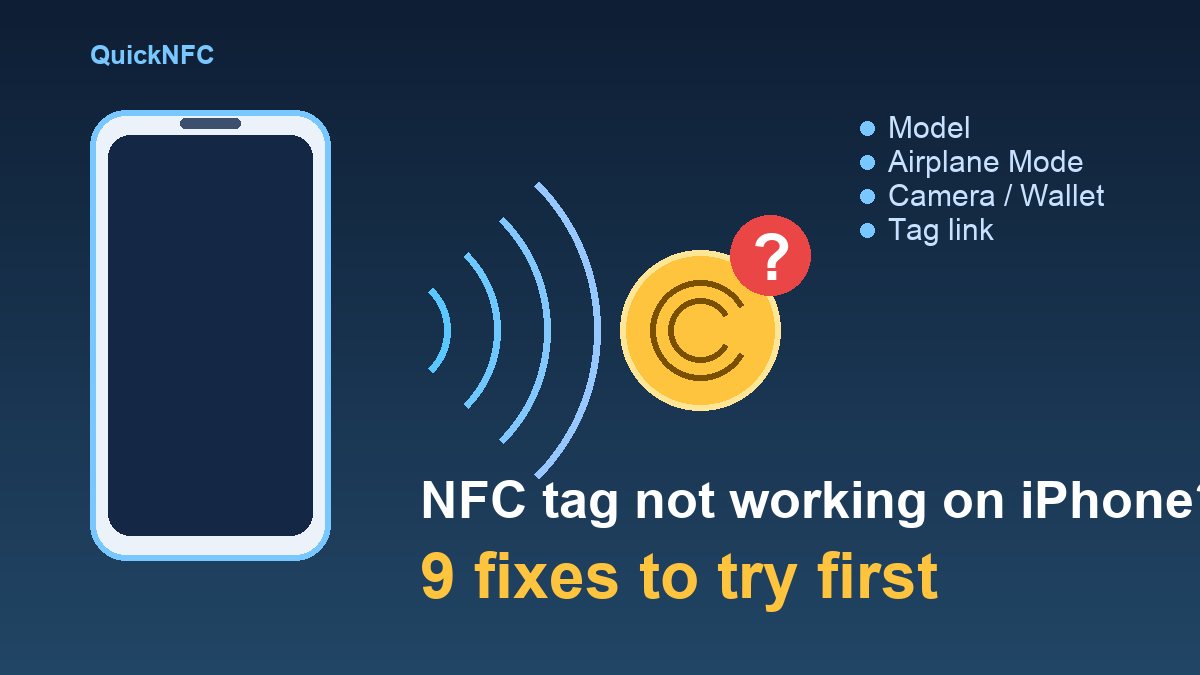
For the phone-side problems that look like payment faults, see NFC not working on Android and NFC problems on iPhone, and for how the two platforms differ, iPhone vs Android NFC.
Quick FAQ
Does tap to pay need internet?
The tap itself is a local exchange between your phone and the terminal. The terminal still has to contact your bank or card network to approve the payment, and that is the terminal's connection, not the phone's.
Is tapping with my phone safer than tapping my card?
Apple describes Apple Pay as designed to be a simpler and more secure way to pay than using your physical cards, because of the device-specific number and per-payment code. Your risk still depends on your phone lock and on keeping the phone safe.
What if I lose my phone?
On iPhone, Apple says you can use Find My to put the phone in Lost Mode, which suspends Apple Pay, or remove your cards from your Apple Account. On Android, lock or locate the phone with Google's device tools and ask your bank to suspend the card. On either platform, call your bank if in doubt.
Why does my watch or tracker not support tap to pay?
It needs an NFC chip and a wallet app. The Fitbit Edge, for example, has no NFC chip, as Engadget reported, and older Fitbits that did use Fitbit Pay moved to Google Wallet in 2024.
Can a shop accept payments with just a phone?
Yes. Phones can also act as the reader. For example, MONEI announced Tap to Pay on iPhone for merchants in Spain on 6 November 2026, according to The Paypers. The card or phone still does the same secure exchange; only the reader changes.
Sources
- Apple Support, Apple Pay security and privacy overview
- Google Wallet Help, Tap to pay with your phone
- Engadget, The Fitbit Edge lacks a useful contactless feature (2 November 2026)
- The Paypers, MONEI launches Tap to Pay on iPhone for merchants in Spain (6 November 2026)

QuickNFC Editorial DeskQuickNFC publishes practical, plain-English NFC guides. Spotted an error or something out of date? Tell us.