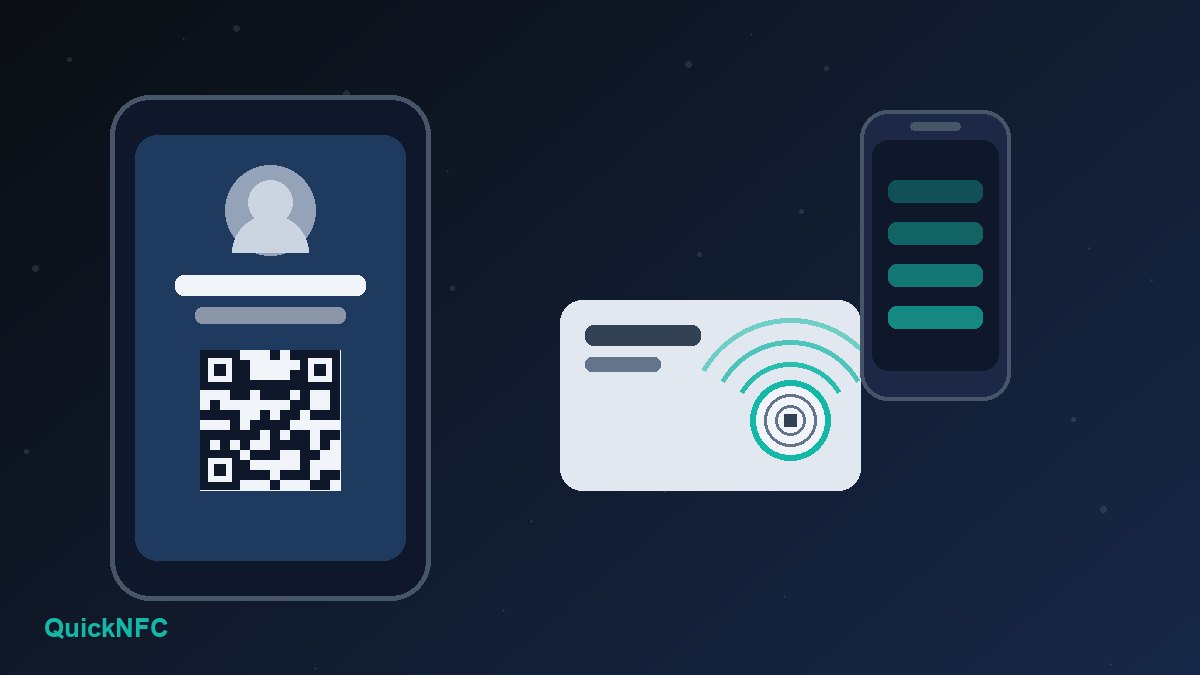
Short answer: LinkedIn announced on 15 October 2026 that members can design a personalised digital business card, add it to their phone's digital wallet and use it to connect with people they meet in person. Reports and screenshots from the launch show a card with your photo, your job title and a QR code that opens your LinkedIn profile. It is rolling out globally "over the coming months", so you may not see it yet. It does not replace an NFC card. It covers your LinkedIn profile and nothing else, and the other person still has to point a camera at your screen.
This guide explains what LinkedIn has actually confirmed, what is still unclear, and how an NFC tag can sit alongside the new card so people can reach your profile with a single tap, including on days when the feature has not reached your account yet.
What LinkedIn announced
The business card arrived in a wider LinkedIn product update about building professional relationships. The official announcement lists three relationship features:
- A digital business card. In LinkedIn's words, you can "design and personalize your LinkedIn business card to express who you are professionally, add it to your digital wallet, and easily stay connected with people you meet in person." It is rolling out globally over the coming months.
- A Network feed. A test of a separate feed showing posts from your connections and people you follow, starting in the U.S., India, the U.K. and Australia.
- Profile notes. Private notes on a profile so you remember where you met someone. LinkedIn lists this one as a Premium feature. The announcement does not attach a Premium condition to the business card.
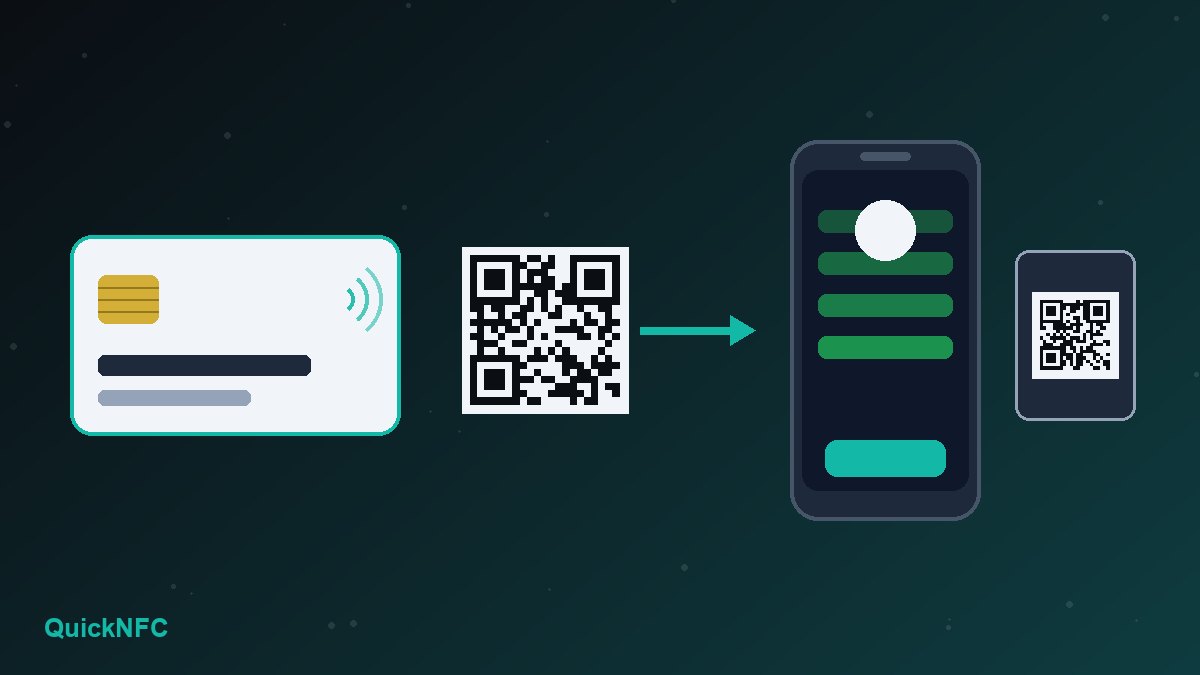
Social Media Today's report on the launch shows example cards with a headshot, a job role taken from the member's profile, a QR code and a choice of design styles. LinkedIn has offered something close to this before: since 2018 the mobile app has given every member a personal QR code. LinkedIn Help still describes it, under the QR icon in the app's search bar, on the My code tab.
What the new card does well, and what it does not do
The useful part is presentation. The old QR code was a plain square inside the app. The new card puts your face, your role and the code together in a design you choose, and keeping it in your wallet means you are not digging through menus while someone waits.
The limits come from how it shares. Based on what LinkedIn and the launch coverage show, sharing works by QR code:
- It needs a camera and a bit of light. The other person opens their camera or the LinkedIn app, frames your screen and waits for it to focus. A dim venue, a cracked screen or your phone at its lowest brightness all slow this down.
- It only points to LinkedIn. The destination is your LinkedIn profile. If you also want people to save your phone number, book a call or see your company website, that has to happen in a second step.
- It assumes the other person uses LinkedIn. Plenty of customers, suppliers and local business owners are not active there.
None of that makes the card a bad idea. It simply means it is a LinkedIn connection tool, not a full replacement for a business card.
Where NFC fits in
An NFC tag does the same job as the QR code with a different action: the other person holds the top of their phone against the tag and the link opens. Our explainer on how digital business cards work covers NFC taps, QR scans and wallet passes in detail. For LinkedIn specifically, the practical differences are:
- No framing and no app. iPhone XS and newer read NFC tags in the background while the screen is on, and most Android phones read them whenever NFC is switched on and the phone is unlocked. Our iPhone vs Android NFC guide explains the differences.
- It works from a physical object. A card, a badge sticker or a phone-case tag works even when your own phone is flat or in your bag.
- It can hold any link. You decide whether the tap opens your LinkedIn profile or a contact page that includes LinkedIn alongside your phone number and email.
The weakness is the reverse of QR: a small number of phones have no NFC, and some people do not know their phone can read tags. That is why the best setup carries both: a tag for the tap, plus a printed or on-screen QR code as a backup.
How to put your LinkedIn profile on an NFC tag
You do not need to wait for the new card to reach your account. Any blank NFC tag can open your profile today.
- Get your public profile URL. LinkedIn Help explains it: open your profile, choose Edit next to Public profile & URL, and copy the address, which looks like
linkedin.com/in/yourname. While you are there, consider setting a custom URL. It is shorter, easier to read aloud and less likely to be mistyped. - Choose a tag. A profile link is short, so any common NTAG chip has plenty of room for it. A card or a round sticker for the back of your phone case are the usual choices. Our guide to buying NFC tags covers formats and on-metal tags.
- Write a URL record. In a free writing app such as NXP TagWriter or NFC Tools, add a single URL/URI record with the full
https://address. Do not add a text record on top of it, because extra records can confuse some phones. - Test before you lock. Tap the tag with an iPhone and an Android phone, signed in and signed out of LinkedIn if you can. The link should open your profile in the LinkedIn app or in the browser.
- Lock it only when it is final. Locking stops strangers rewriting the tag, but it is permanent. If you plan to change the link later, leave it unlocked or point it at a page you control. Our guide to writing NFC tags without mistakes walks through each step.
LinkedIn card or a dedicated NFC card?
They solve slightly different problems, and many people will use both.
- Use the LinkedIn card if most of the people you meet are on LinkedIn, you mainly network at conferences, meetups or job fairs, and connecting on LinkedIn is the whole goal. It costs nothing and updates itself when your profile changes.
- Add an NFC card or tag if you meet customers in person, work in a noisy or dim place, or want people to save your phone number rather than just follow you. A tag that opens a simple contact page with a link to LinkedIn on it covers both groups.
- Skip paid NFC cards if you only need LinkedIn connections and are happy showing your screen. The free card and the in-app QR code already do that. Our honest take on whether NFC business cards are worth it goes deeper.
One caution if you buy a ready-made NFC card: check which link it holds. Some cards point to the seller's own profile page instead of your link, and stop working if you cancel a subscription. A tag that opens your own LinkedIn URL directly avoids that.
Tips for using them at events
- Lead with the tap, keep the QR as a fallback. Say "tap the top of your phone here". If nothing happens within two seconds, show the QR code instead of trying again.
- Mind the tag position. On a phone-case sticker, the other person needs to reach the tag, so put it where it can touch the top of their phone.
- Keep your profile ready. The tap or scan lands people on your profile, so a current photo, a clear headline and an up-to-date role matter more than the card design.
- Note the context the same day. If you have Premium, profile notes are built for this. Otherwise a short note in your phone works fine.
For more mistakes to avoid, see common NFC mistakes.
Privacy: what each option shares
An NFC tag only stores the link you write to it. It cannot read the other person's phone, and it holds no account details. Anyone who taps or scans sees whatever your public profile shows to them, so check your public profile visibility settings before you hand out a link that strangers can use. A wallet card shown on screen shares nothing until someone scans it. If you write your profile link to a sticker in a public place, assume anyone can read it.
FAQ
Is the LinkedIn digital business card free?
LinkedIn's announcement does not say the business card needs Premium. It does say that about profile notes. Check the feature in your app once it reaches your account.
Why can't I see the business card option yet?
LinkedIn says it is rolling out globally over the coming months, so accounts get it at different times. Keep the app updated. Until then, the QR code on the My code tab or an NFC tag with your profile URL does the same basic job.
Does the LinkedIn card use NFC?
LinkedIn's announcement and the launch coverage describe a QR code and a digital wallet option. They do not describe tap-to-share NFC. Assume the other person has to scan it until LinkedIn says otherwise.
Can I put my LinkedIn profile and my contact details on one tag?
Not cleanly. Phones act on the first record they understand, so mixing a link and a contact file on one tag gives unpredictable results. Point the tag at a single page that shows your details and links to LinkedIn, or use two tags.
Sources
- LinkedIn Pressroom: New Ways to Build Meaningful Connections (15 October 2026)
- Social Media Today: LinkedIn adds digital business cards (18 October 2026)
- LinkedIn Help: "Using a LinkedIn QR Code to Connect with Members" (search the title in LinkedIn Help)
- LinkedIn Help: "Manage your public profile URL" (search the title in LinkedIn Help)
- Apple Developer: Adding support for background tag reading
QuickNFC Editorial DeskQuickNFC publishes practical, plain-English NFC guides. Spotted an error or something out of date? Tell us.